
IODD ST400
The IODD ST400 is an enclosure for virtual drives that takes a 2.5-inch SATA drive. It mounts ISO files, supports VHD, RMD and IMA files, runs several drives at once (Multi-LUN), encrypts with AES256 XTS in hardware, manages an administrator and users, and has built-in file viewers.
Appearance
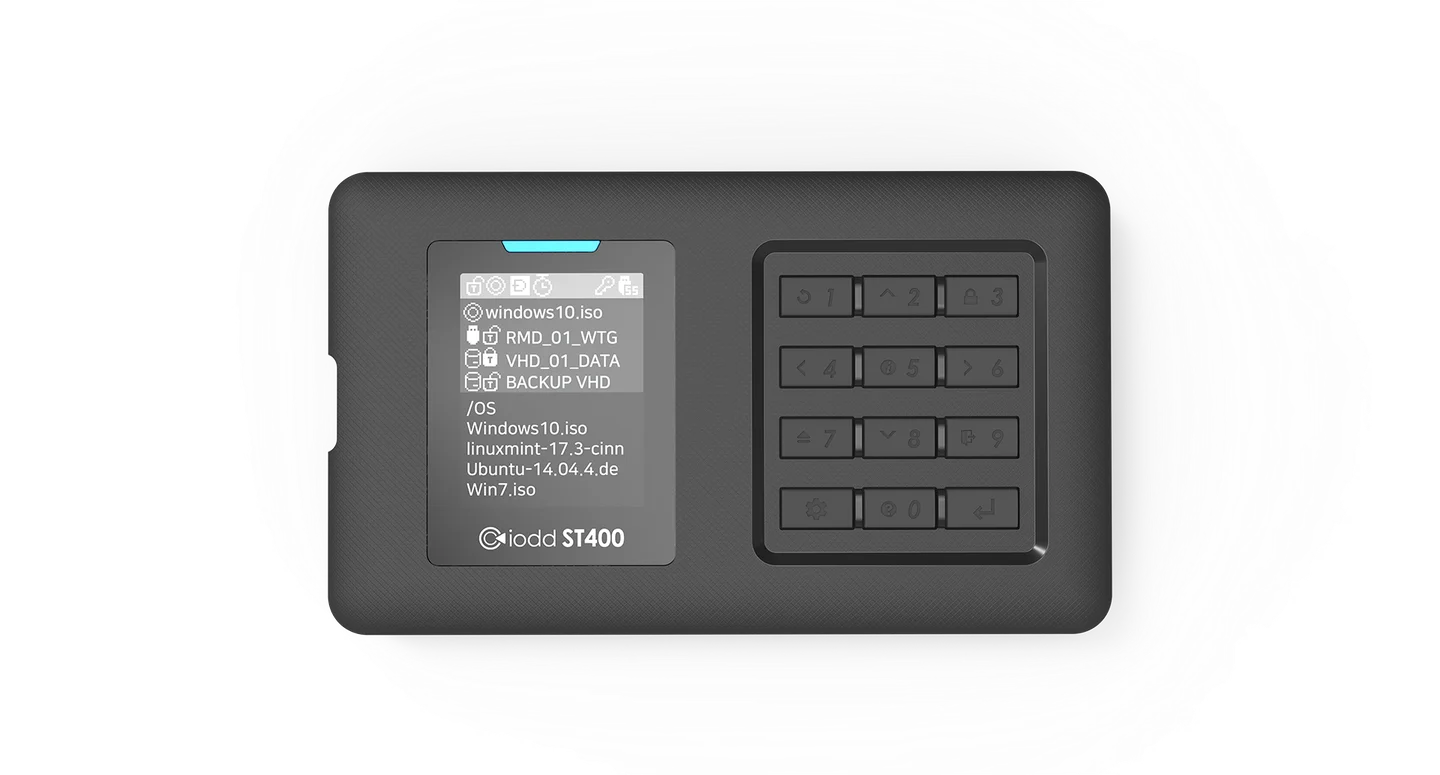
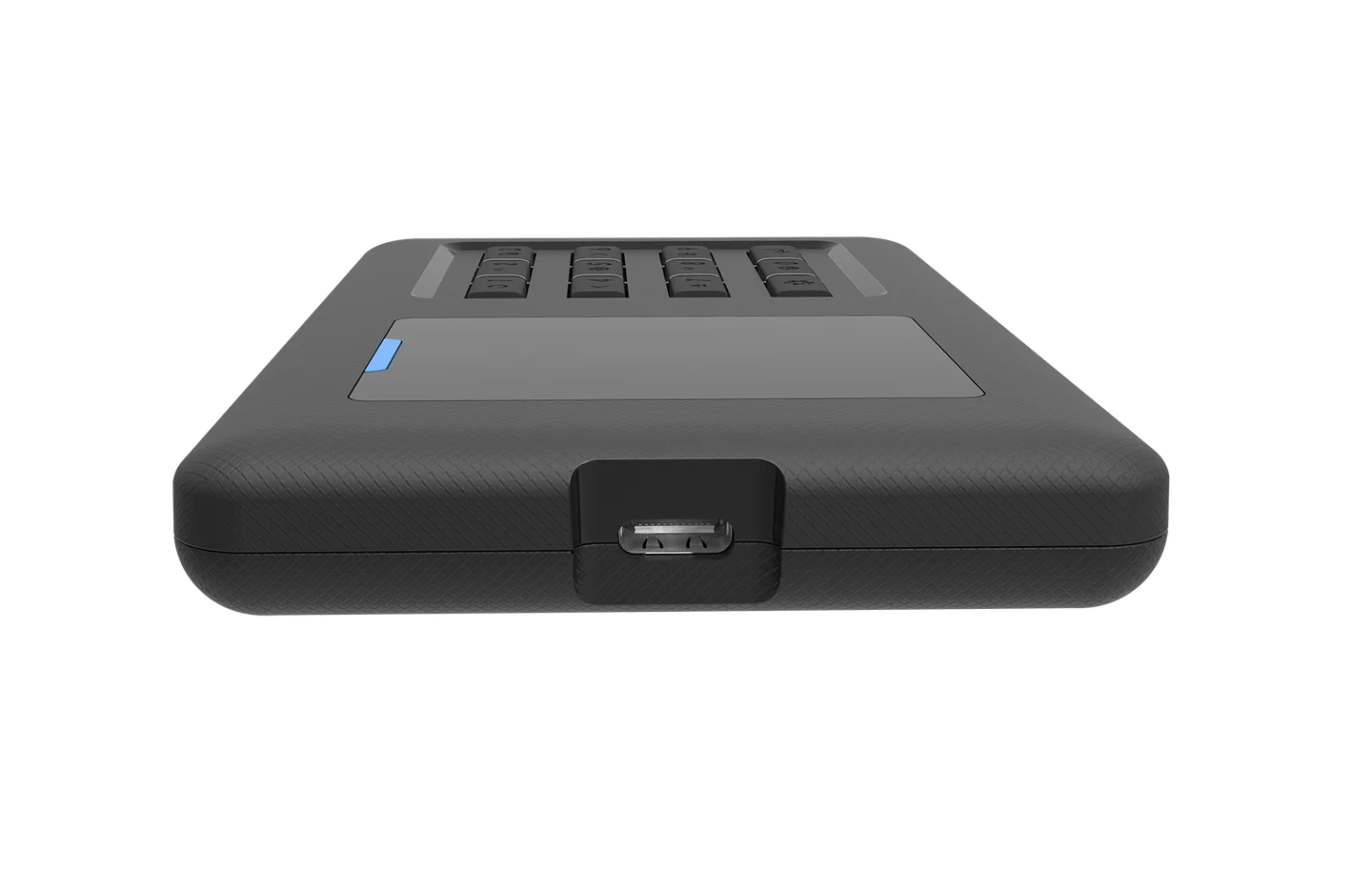
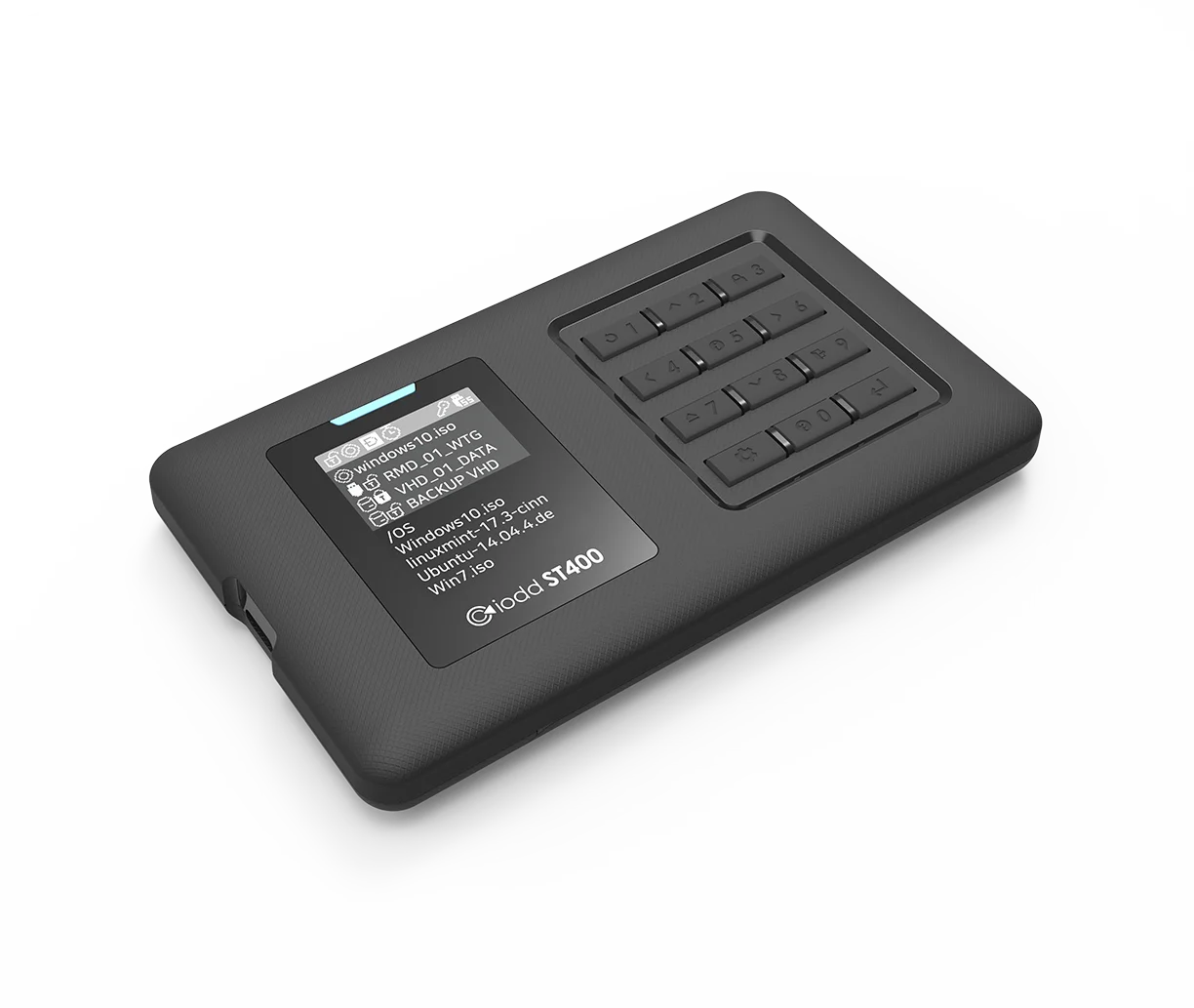
Profile
| Feature | IODD ST400 |
|---|---|
| Port | USB 3.1 Gen 1 Type-C (USB-C), up to 5 Gbps |
| Matching drive | 2.5-inch SATA HDD or SSD, only with a height of 7 mm |
| Internal interface | SATA I / II / III (backward compatible) |
| Controls | 12 tactile keys |
| Display | Color LCD (128 × 160 dots) |
| Material | Plastic |
What the ST400 can do
| Function | Available |
|---|---|
| Bootable virtual optical drive from ISO files (CD, DVD, Blu-ray) | Yes |
| Bootable virtual hard disk and virtual removable drive (VHD, VMDK, RMD), also for Windows To Go | Yes |
| Virtual floppy drive (IMA) | Yes |
| Multi-LUN (several drives at once) | Yes: up to three VHDs, one virtual optical drive and the physical drive |
| Write protection, separately for each mounted drive | Yes |
| Switching each drive between fixed disk and removable disk | Yes |
| Safe removal and saving the loading state | Yes |
| Monitoring (lowest VBUS voltage, temperature and health of the drive, with key 3) | Yes |
| Startup keys and shortcuts | Yes |
| Text viewer (UTF-16 (UCS-2 LE) and ASCII) | Yes |
| Bitmap viewer (experimental; images under 128 × 160, with 1, 16 or 24 bit) | Yes |
| AES256 XTS hardware encryption in real time | Yes: PIN with 4 to 38 digits (6 digits recommended), random keypad |
| One administrator and up to four users with their own permissions | Yes |
| 2nd Password | Yes |
| Duress PIN | Yes |
Keep P.W. 2min (keeping the password for 2 minutes) |
Yes |
| IODD Admin Manager (Windows tool) | Yes |
First-time setup
Warning
If you want to use hardware encryption, set the password on the IODD before you initialize the drive in Windows or macOS. Setting the admin password erases all data on the drive.
- Install the drive: Installing the drive (ST400, ST300).
- Decide whether you want to encrypt. If yes, set the 2nd Password first and then the admin password. The overview is in Setting up encryption: overview.
- Initialize the drive: Initializing the drive. If your drive is already formatted and you do not want to encrypt it, skip this step.
- Prepare the drive: Preparing the drive for virtual drives.
- Mount the first ISO file and boot from it: Mounting an ISO file and booting from it.
Topics for this model
- Operation: Keys and shortcuts, Menu tree, Display and status bar
- Virtual drives: Virtual drives (ISO, VHD)
- Encryption: Encryption, Duress PIN
- Device functions: Write protection, Reading text files on the device (TXT Viewer), Keeping the password for 2 minutes (Keep P.W. 2min), S.M.A.R.T. and device information
- Windows tools: IODD Admin Manager, IODD TRIM Tool, VHD Tool++
- Troubleshooting: Error messages A to Z, Device not working properly: first aid, PC does not boot from the IODD, Partitioning and formatting the drive, Forgot your password
- Questions: FAQ
Downloads
Download
Quick guide for ST400, ST300 and LK100: IODD ST/LK Quick Guide (PDF, English, 2022). The file is stored in this shop.
Link checked on 23 November 2026
Download
Firmware: The firmware is downloaded from the manufacturer; choose the folder for your model: ST400. Read the warnings first and follow the steps in Updating the firmware. The download link is on that page.
Link checked on 23 November 2026
Download
Windows tools: IODD Admin Manager, IODD TRIM Tool and VHD Tool++ are downloaded from the manufacturer. What each tool does and where to find it is described in Windows tools.
Link checked on 23 November 2026
In the shop
Not solved? Tell us your model and the message on the display. Go to contact form
Translation of the official IODD guide, checked against the original on 23 November 2026.
If they differ, the original English page applies: IODD ST400 (new window)